

SD3 DreamBooth LoRA - maxspire/scarpo-2-lora
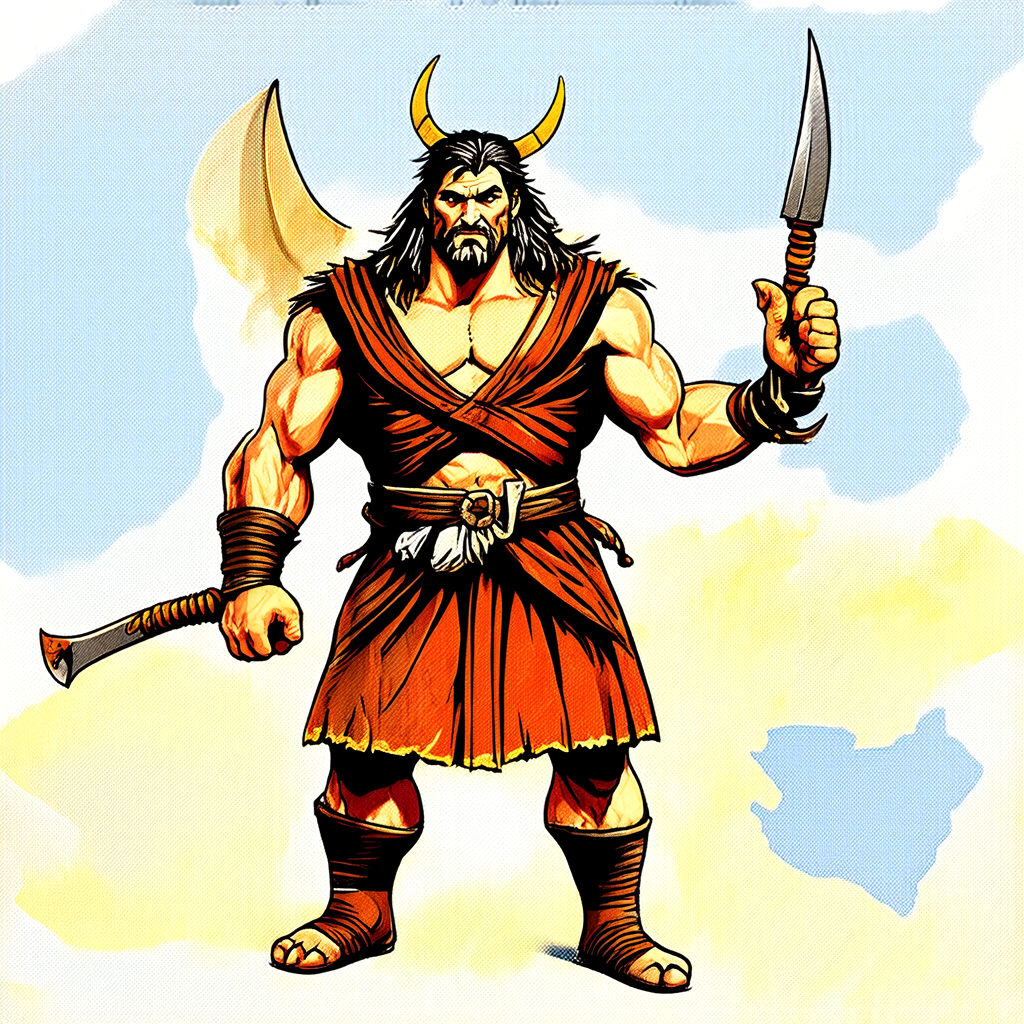
- Prompt
- An illustration of scarpo dressed as a barbarian
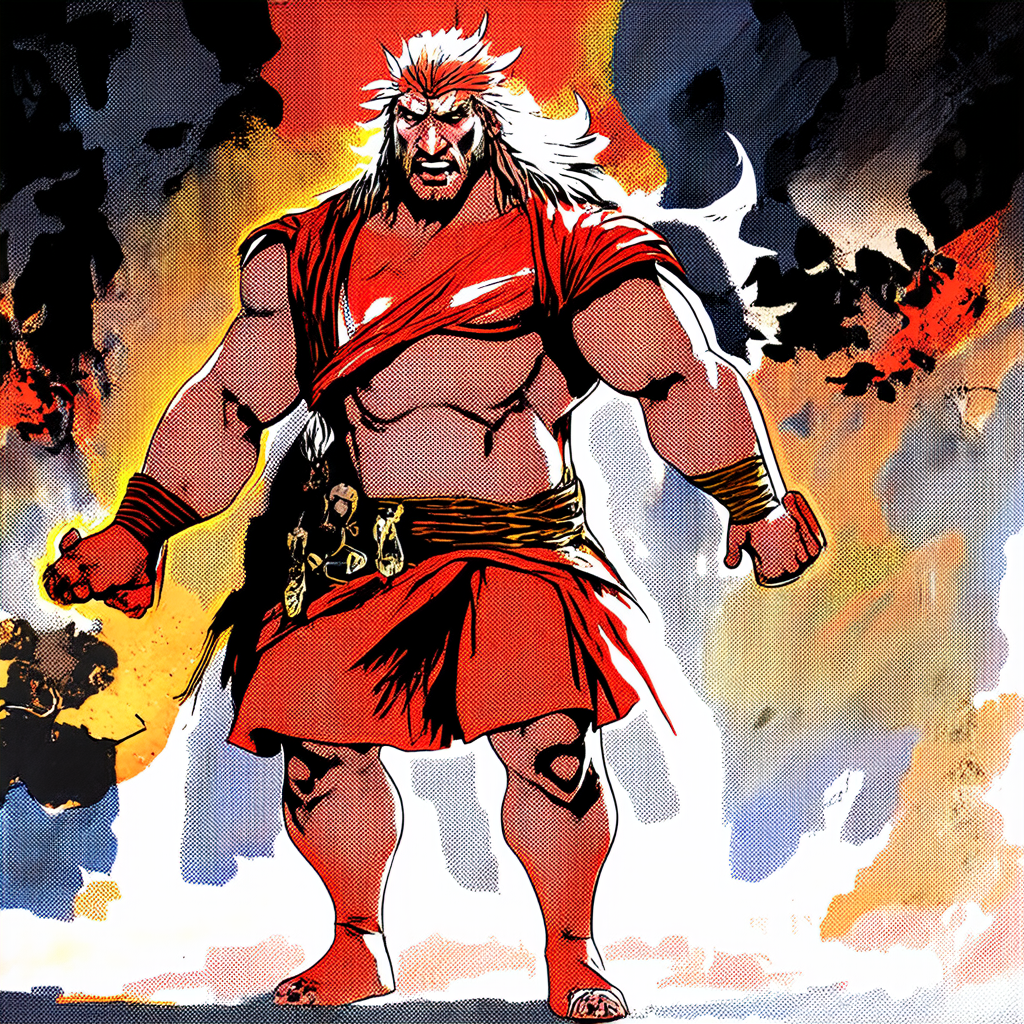
- Prompt
- An illustration of scarpo dressed as a barbarian
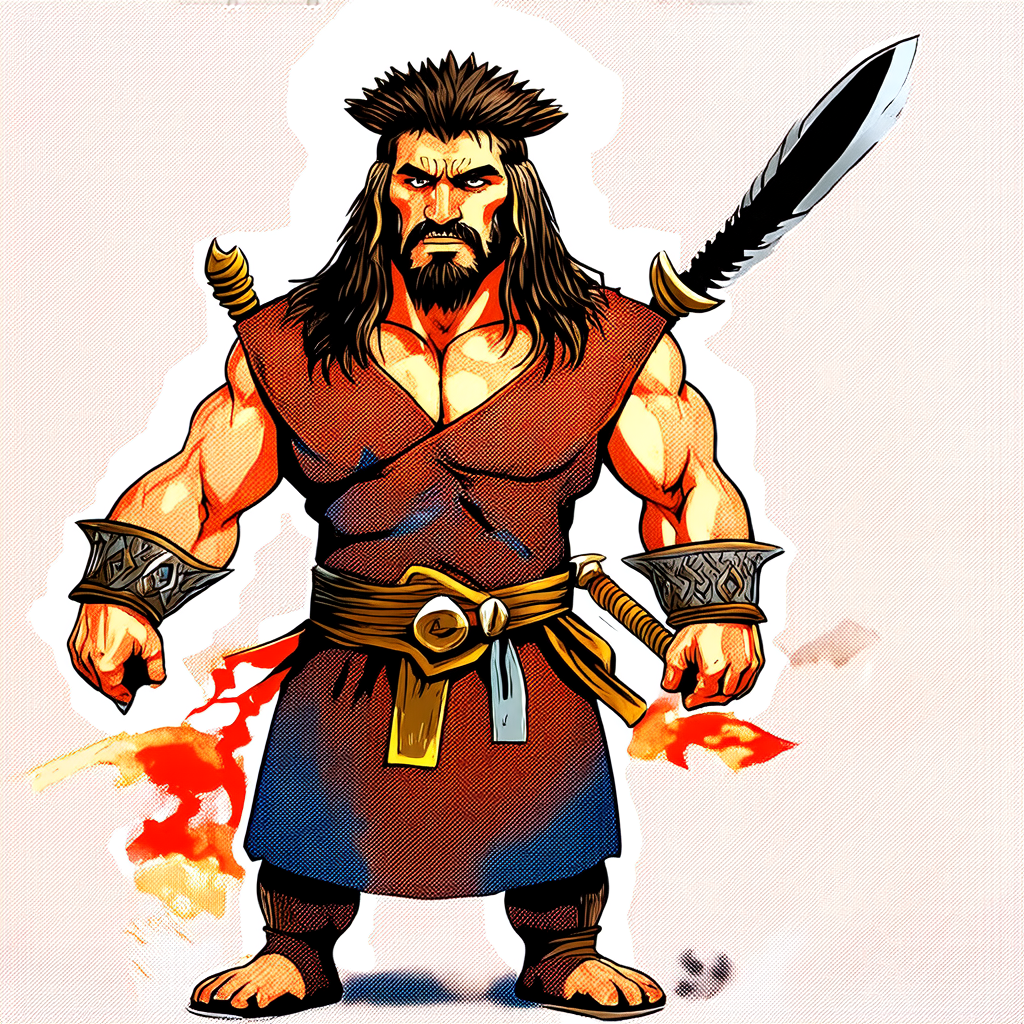
- Prompt
- An illustration of scarpo dressed as a barbarian
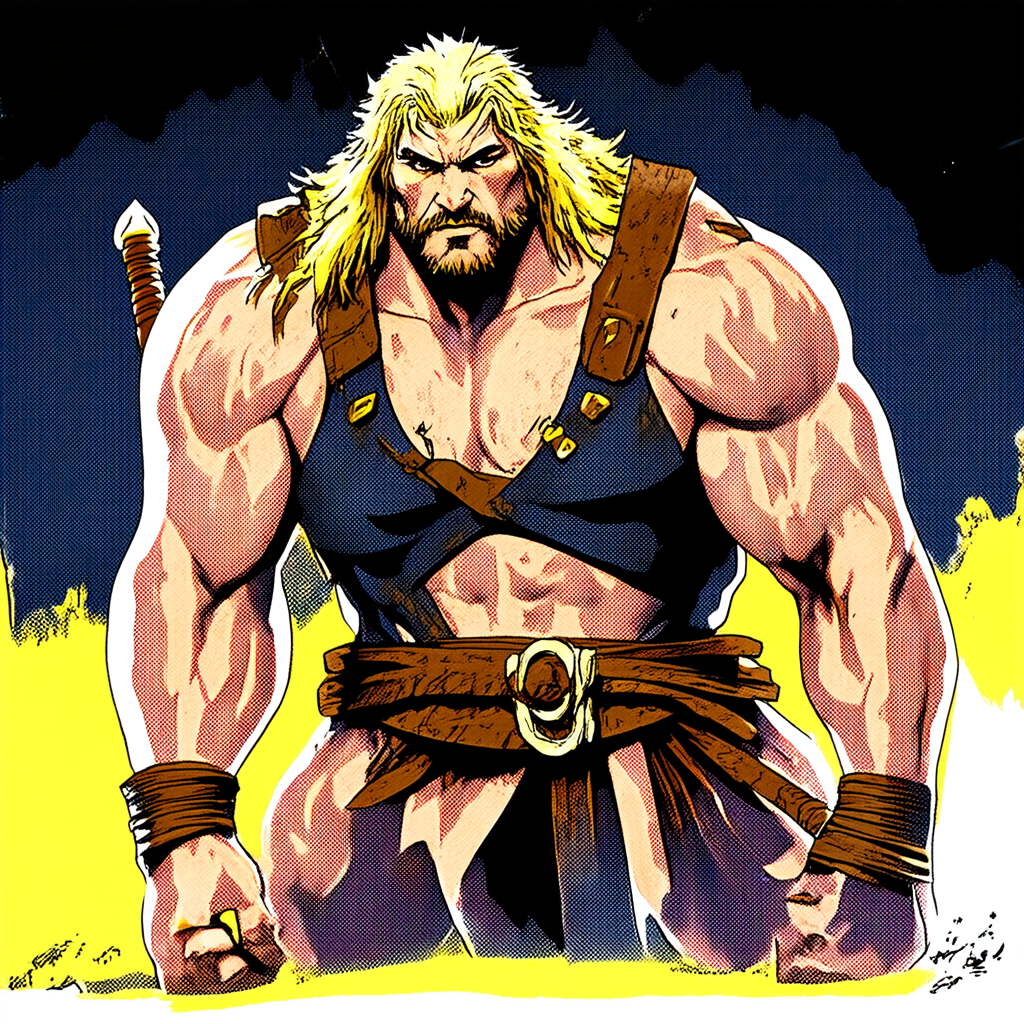
- Prompt
- An illustration of scarpo dressed as a barbarian
Model description
These are maxspire/scarpo-2-lora DreamBooth weights for stabilityai/stable-diffusion-3-medium-diffusers.
The weights were trained using DreamBooth.
Trigger words
You should use a photo of scarpo to trigger the image generation.
Download model
Download them in the Files & versions tab.
License
Please adhere to the licensing terms as described [here](https://huggingface.co/stabilityai/stable-diffusion-3-medium/blob/main/LICENSE).
Intended uses & limitations
How to use
# TODO: add an example code snippet for running this diffusion pipeline
Limitations and bias
[TODO: provide examples of latent issues and potential remediations]
Training details
[TODO: describe the data used to train the model]
- Downloads last month
- 8