
Spaces:
Running

Running
metadata
title: Focal
emoji: 📰
colorFrom: blue
colorTo: gray
python_version: 3.9.23
sdk: docker
app_file: app/main.py
Focal: AI-Powered Multi-Source News Summarizer

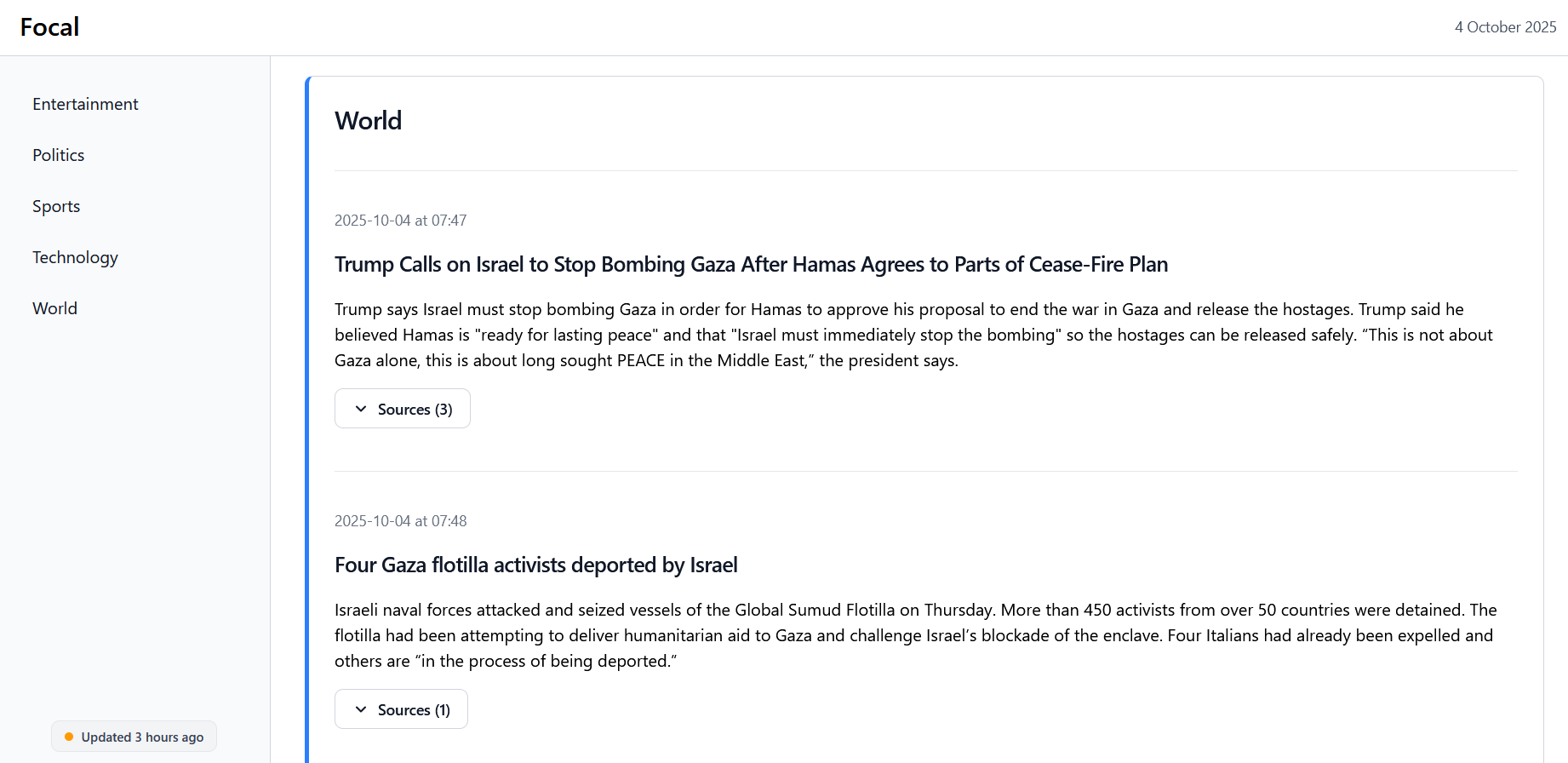
A web application that aggregates current news from RSS feeds, searches the web for articles to create a single coherent summary
Architecture

Data Flow
- A background service periodically reads the latest headlines from multiple RSS feeds (defined in
rss_feeds.txt). The headlines from all feeds are then grouped based on semantic similarity (see point 3). - A web search is performed to find the top articles about each topic. The contents of these articles is then scraped.
- The articles about every topic are divided into individual sentences and combined into a single collection. Embeddings from each of the sentences are created using
sentence-transformers/all-MiniLM-L6-v2. These embeddings are then grouped using the HDBSCAN algorithm, such that sentences that have a similar meaning are grouped together. Only the most populous groups of sentences are kept. - The most representative sentences from the top groups are taken, and fed to
facebook/bart-large-cnnfor summarization. Summaries (along with sources) are saved in an SQLite database hosted on Turso. - A FastAPI server exposes endpoints to retrieve the news from the database, displaying the articles to the user on a simple webpage.
Tech Stack
- Backend: FastAPI, Uvicorn
- ML/NLP: Hugging Face Transformers, Sentence Transformers, Scikit-learn, NLTK, NumPy
- Web Scraping: Trafilatura, DDGS (DuckDuckGo search), feedparser
- Database: Turso (remote SQLite), SQLAlchemy
- Deployment: Docker, GitHub Actions (CI/CD), Hugging Face Spaces
Local Setup
To run the project locally:
- Clone the repository:
git clone https://github.com/michaelkri/focal.git
- Optional: To store summaries in a Turso database, create a
.envfile and add your API keys as follows:
USE_TURSO=true
TURSO_DATABASE_URL=libsql://...
TURSO_AUTH_TOKEN=...
- Build and run the Docker container:
docker build -t focal .
docker run -p 8000:8000 focal