

CogAgent
🌐 Github | 🤗 Huggingface Space | 📄 Technical Report | 📜 arxiv paper
关于模型
CogAgent-9B-2024122 模型基于 GLM-4V-9B
双语开源VLM基座模型,通过数据的采集与优化、多阶段训练与策略改进等方法,CogAgent-9B-20241220 在GUI
感知、推理预测准确性、动作空间完善性、任务的普适和泛化性上得到了大幅提升,能够接受中英文双语的屏幕截图和语言交互。
此版CogAgent模型已被应用于智谱AI的 GLM-PC产品
。我们希望这版模型的发布能够帮助到学术研究者们和开发者们,一起推进基于视觉语言往我们的模型的 GUI agent 的研究和应用。
运行模型
请前往我们的 github 查看具体的运行示例,以及模型提示词拼接部分 (这直接影响模型是否正常运行)。
其中,特别注意提示词拼接过程。 您可以参考 app/client.py#L115 拼接用户输入提示词。
current_platform = identify_os() # "Mac" or "WIN" or "Mobile",注意大小写
platform_str = f"(Platform: {current_platform})\n"
format_str = "(Answer in Action-Operation-Sensitive format.)\n" # You can use other format to replace "Action-Operation-Sensitive"

history_str = "\nHistory steps: "
for index, (grounded_op_func, action) in enumerate(zip(history_grounded_op_funcs, history_actions)):
   history_str += f"\n{index}. {grounded_op_func}\t{action}" # start from 0.

query = f"Task: {task}{history_str}\n{platform_str}{format_str}" # Be careful about the \n
一个最简用户输入拼接代码如下所示:
"Task: Search for doors, click doors on sale and filter by brands \"Mastercraft\".\nHistory steps: \n0. CLICK(box=[[352,102,786,139]], element_info='Search')\tLeft click on the search box located in the middle top of the screen next to the Menards logo.\n1. TYPE(box=[[352,102,786,139]], text='doors', element_info='Search')\tIn the search input box at the top, type 'doors'.\n2. CLICK(box=[[787,102,809,139]], element_info='SEARCH')\tLeft click on the magnifying glass icon next to the search bar to perform the search.\n3. SCROLL_DOWN(box=[[0,209,998,952]], step_count=5, element_info='[None]')\tScroll down the page to see the available doors.\n4. CLICK(box=[[280,708,710,809]], element_info='Doors on Sale')\tClick the \"Doors On Sale\" button in the middle of the page to view the doors that are currently on sale.\n(Platform: WIN)\n(Answer in Action-Operation format.)\n"
拼接后的python字符串形如:
"Task: Search for doors, click doors on sale and filter by brands \"Mastercraft\".\nHistory steps: \n0. CLICK(box=[[352,102,786,139]], element_info='Search')\tLeft click on the search box located in the middle top of the screen next to the Menards logo.\n1. TYPE(box=[[352,102,786,139]], text='doors', element_info='Search')\tIn the search input box at the top, type 'doors'.\n2. CLICK(box=[[787,102,809,139]], element_info='SEARCH')\tLeft click on the magnifying glass icon next to the search bar to perform the search.\n3. SCROLL_DOWN(box=[[0,209,998,952]], step_count=5, element_info='[None]')\tScroll down the page to see the available doors.\n4. CLICK(box=[[280,708,710,809]], element_info='Doors on Sale')\tClick the \"Doors On Sale\" button in the middle of the page to view the doors that are currently on sale.\n(Platform: WIN)\n(Answer in Action-Operation format.)\n"
由于篇幅较长,若您想仔细了解每个字段的含义和表示,请参考github。
先前的工作
在2023年11月,我们发布了CogAgent的第一代模型,现在,你可以在 CogVLM&CogAgent官方仓库 找到相关代码和权重地址。
CogVLM📖 Paper: CogVLM: Visual Expert for Pretrained Language Models CogVLM 是一个强大的开源视觉语言模型(VLM)。CogVLM-17B拥有100亿的视觉参数和70亿的语言参数,支持490*490分辨率的图像理解和多轮对话。 CogVLM-17B 17B在10个经典的跨模态基准测试中取得了最先进的性能包括NoCaps, Flicker30k captioning, RefCOCO, RefCOCO+, RefCOCOg, Visual7W, GQA, ScienceQA, VizWiz VQA 和 TDIUC 基准测试。 |
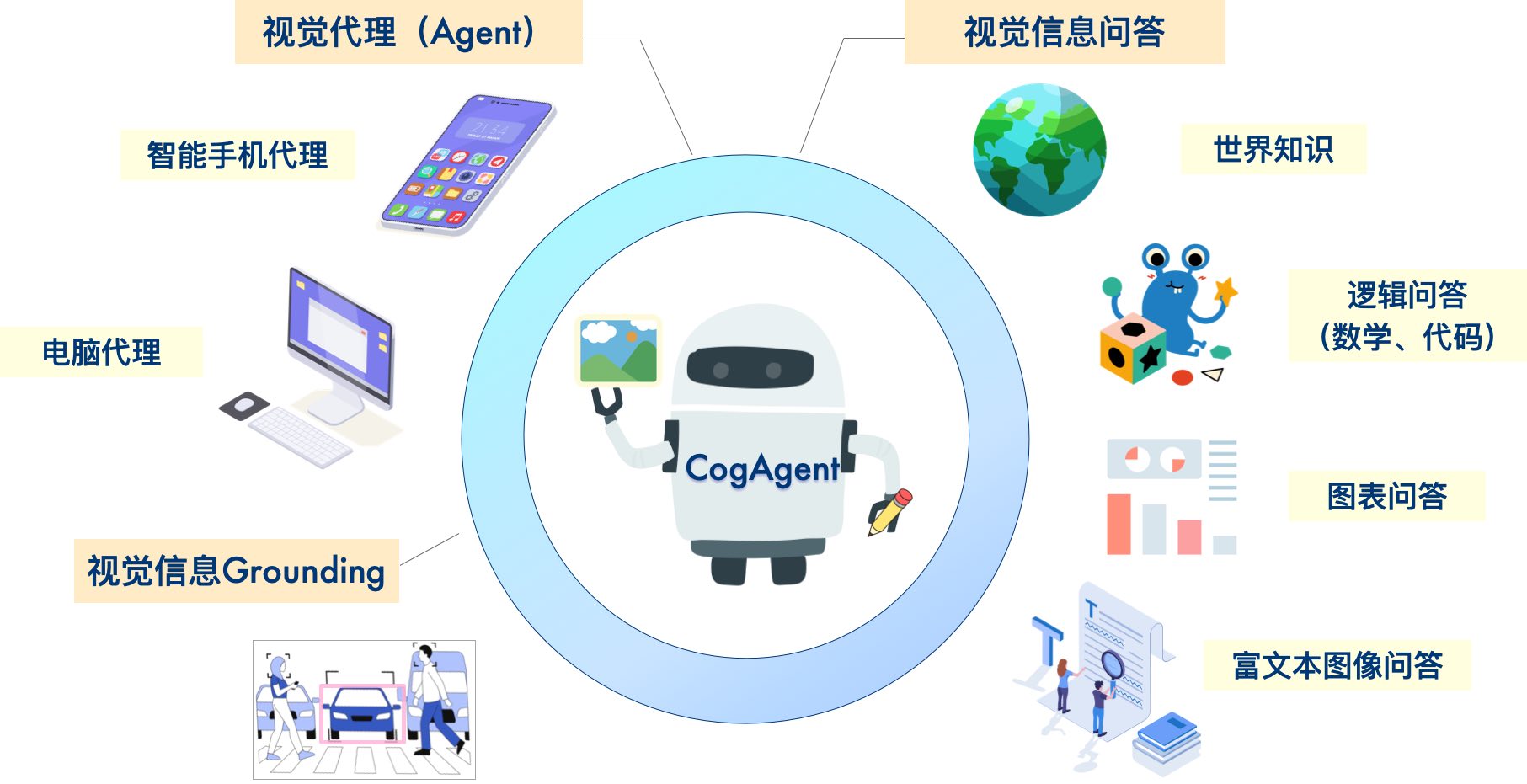
CogAgent📖 Paper: CogAgent: A Visual Language Model for GUI Agents CogAgent 是一个基于CogVLM改进的开源视觉语言模型。CogAgent-18B拥有110亿的视觉参数和70亿的语言参数, 支持1120*1120分辨率的图像理解。在CogVLM的能力之上,它进一步拥有了GUI图像Agent的能力。 CogAgent-18B 在9个经典的跨模态基准测试中实现了最先进的通用性能,包括 VQAv2, OK-VQ, TextVQA, ST-VQA, ChartQA, infoVQA, DocVQA, MM-Vet, 和 POPE 测试基准。它在包括AITW和Mind2Web在内的GUI操作数据集上显著超越了现有的模型。 |
协议
模型权重的使用请遵循 Model License。